Obsidian PM
Obsidian PM (OPM) is a project management solution that works out of an Obsidian vault. The primary benefits of OPM come from the ability to host OPM (and a vault) out of a git repository. Self hosting allows a perfect 1-to-1 between users with repo access, and users with project management access. This was designed to work within university level game development classes, where team sizes can often exceed what popular solutions like Trello, Jira, Asana, and Click Up allow. OPM relies on community plugins to achieve most of its functionality, with much heavy lifting from DataviewJS.
How OPM Works
OPM provides familiar work-flows, charts, and views that enable new and experienced project managers to plan ahead with confidence.
The Project Page
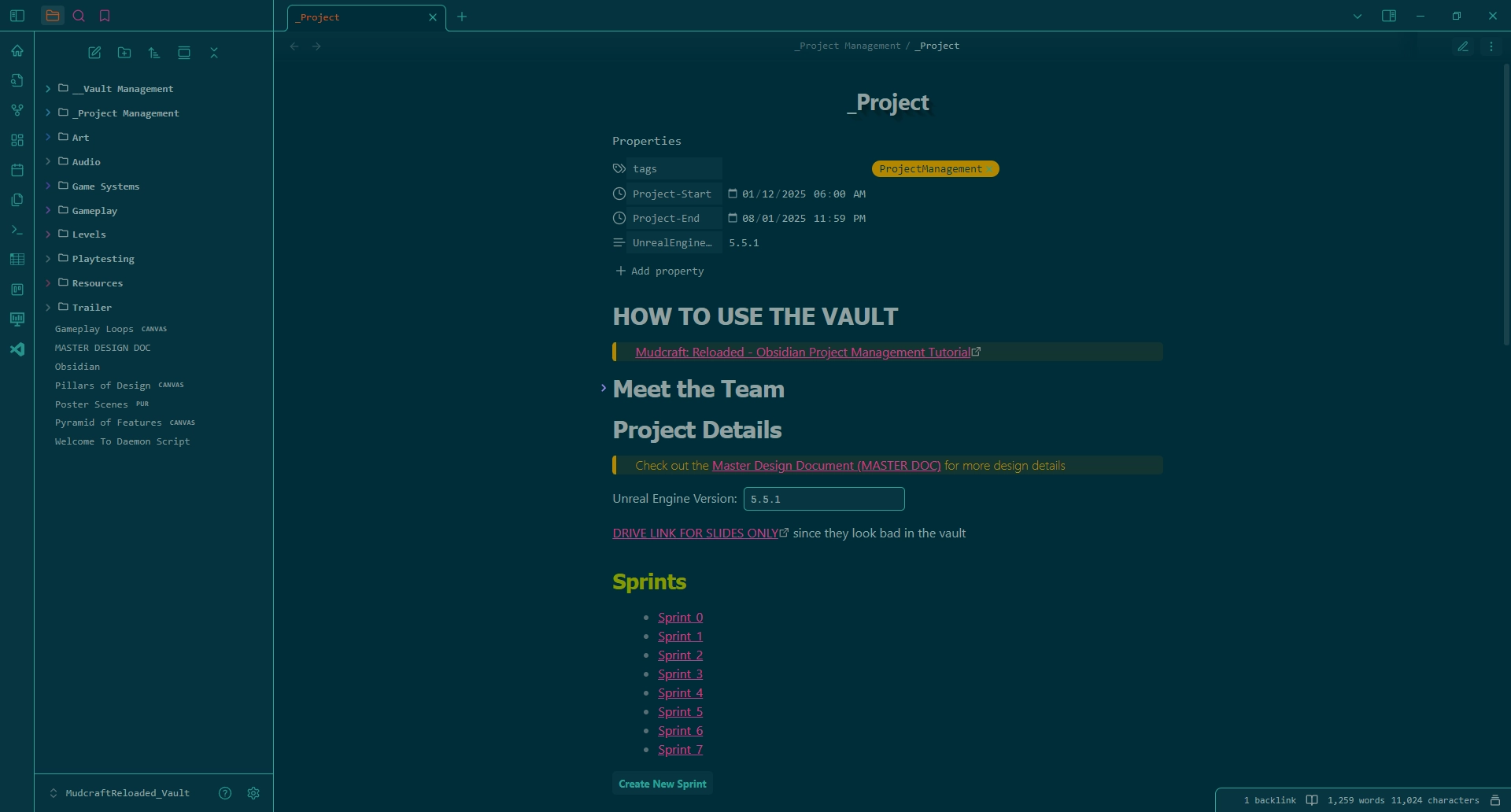
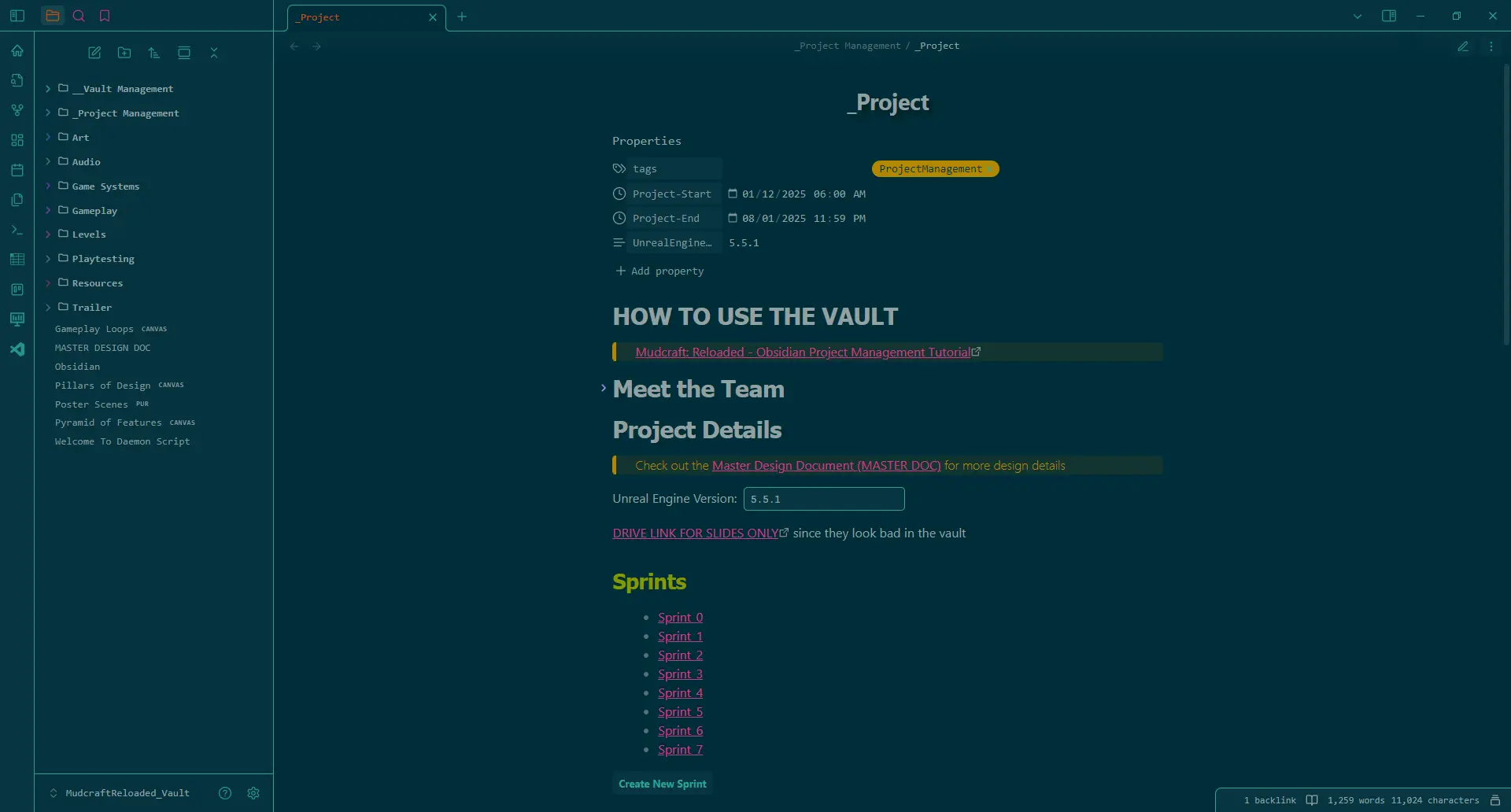
Each OPM vault begins with a Project page and People pages. The Project page will open with your OPM vault by default. Each project page starts with a few views. The first view seen shows a dynamic list of all People pages in the vault. Each worker on the project should receive their own People page. This allows users to have their own personal dashboard within the OPM solution.
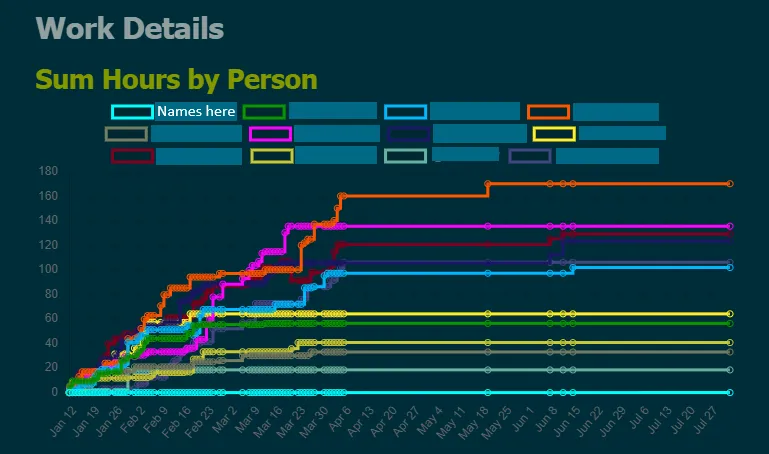
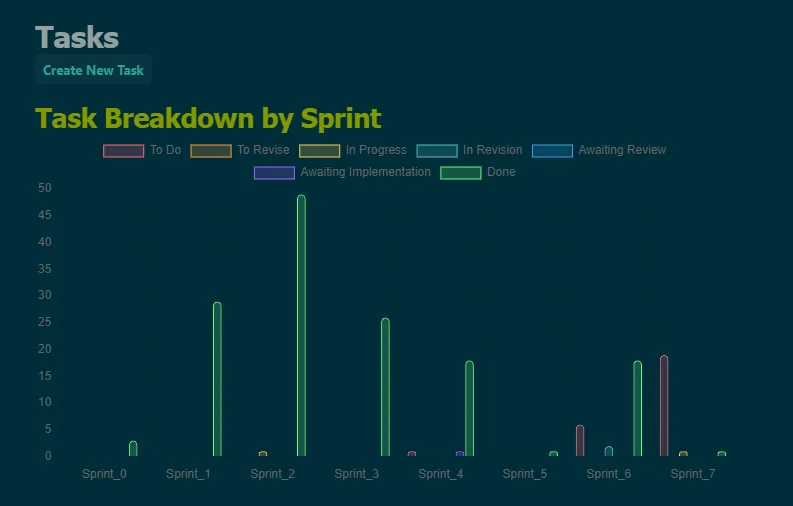
Other views on the Project page focus on project management. These views showcase project sprints, hours worked so far, task breakdowns, and more.
The Sprint Page
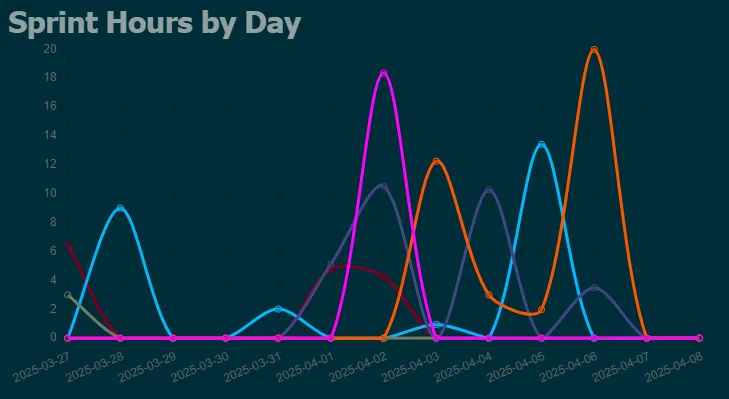
Each project is managed with tasks and tasks are grouped into sprints. Sprints are adopted from the agile framework for team software development and aim to group cohesive tasks for parallel work within a strict time schedule. In OPM, sprints hold a start and stop day (and time) as well as views that display relevant information for any task which has a due date within the sprint’s time frame.
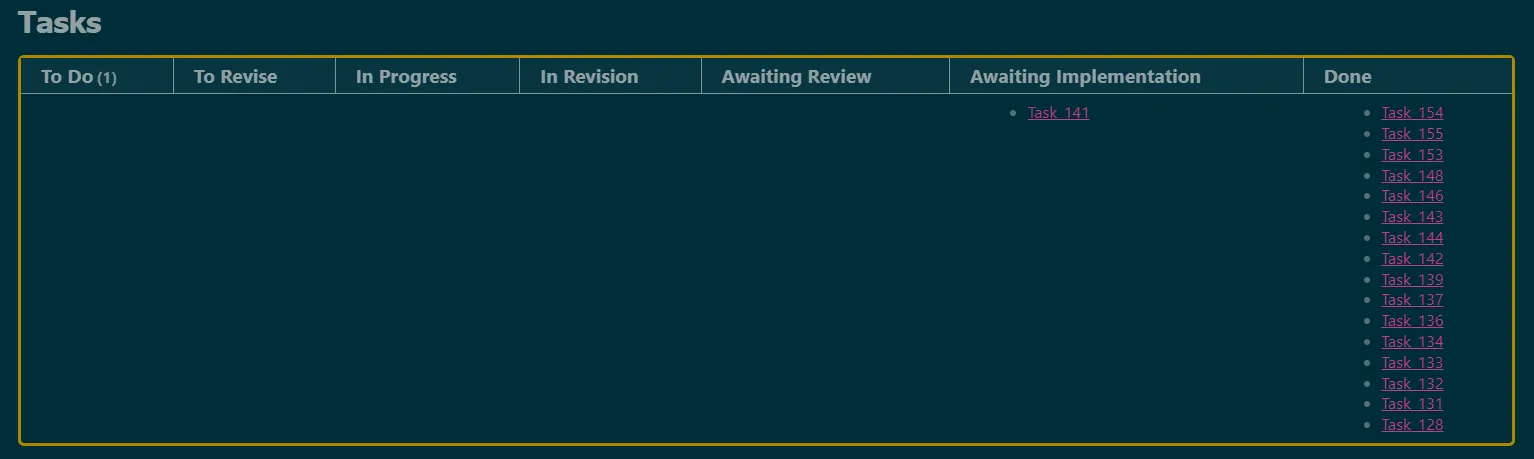
Optionally, I’ve found it useful to include extra sections on each sprint page pertaining to what the overall goals of sprint are and general statements about what the player should be able to experience by the end of a sprint.
The Task Page
Each task requires a due date (and time), People assignees, priority, any tasks that block this one, any tasks that this one blocks, and hours estimated for completion.
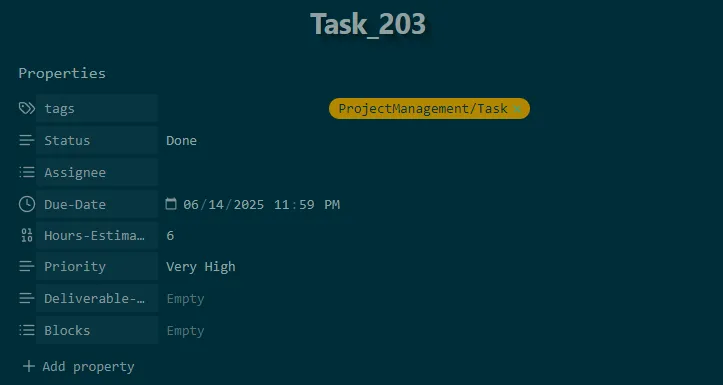
Tasks provide a section for the project manager to describe the work to be done as well as an area for workers of that task to leave notes related to discoveries or helpful resources
Work Logs
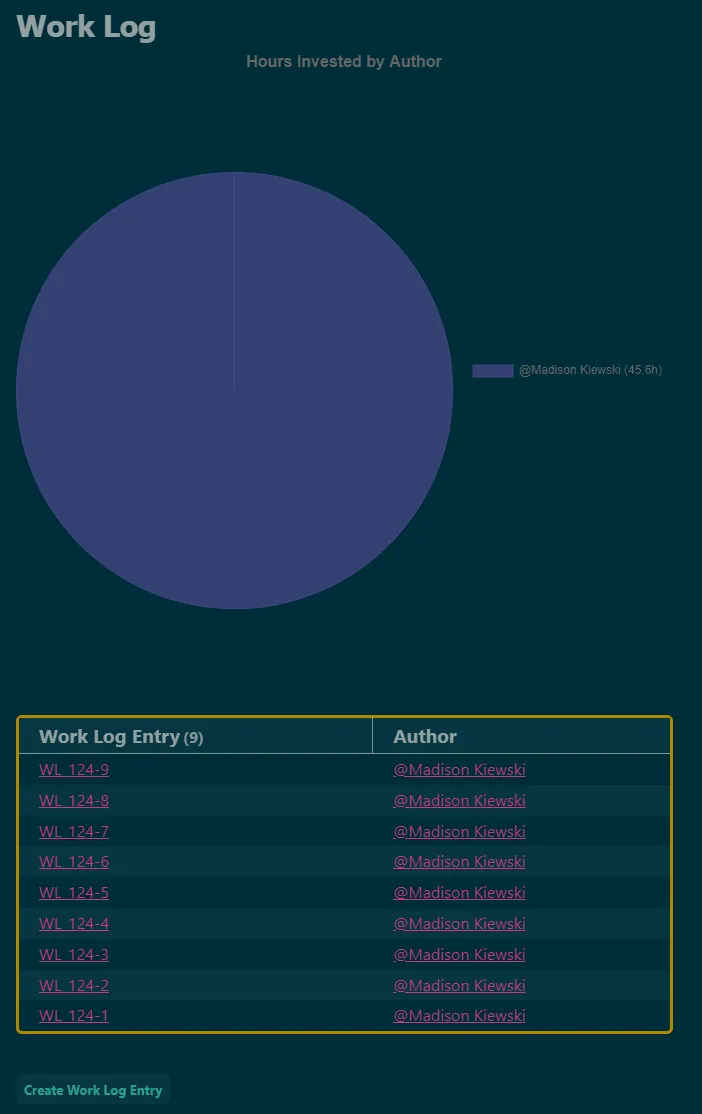
Work is tracked with an hour logging system. Each work log is tied to a task and asks for a start and end time for that work session. Users can and are encouraged to submit multiple work logs per task as needed.
← Back to projects